


Bulk email
One email to your contacts with the link to the Quick valuation – and your database becomes a pipeline again.
Statistically, one in 14 prospective buyers is also an owner who intends to sell. avendo finds these contacts – automatically.
Lead sources
Every route leads to the Quick valuation – and from there into your CRM as a lead. On top of that, everyone on the team has their own referral link.
One email to your contacts with the link to the Quick valuation – and your database becomes a pipeline again.
A valuation button under every email your agency sends.
On every property page, visitors can value their own property.
A QR code at the viewing – for prospects who own a property themselves.
Your valuation link in posts and campaigns.
The valuation widget on your website, in your colours.
Selling signals
After the valuation, the owner stays on the avendo platform. You see what they do there in the CRM – and call when the time is right.

Acquisition pipeline
Every lead is on your to-do list: what’s due today and what comes later.
Follow up, move to acquisition, mark as cold or lost.
If a cold owner sends a request, they automatically appear on your list again.
Unclassified, Platform, Cold, Hot, In acquisition – you see where every owner stands.
How many leads have come back of their own accord in the last twelve months.
What your pool holds, as potential commission value in francs.
Anyone assigned to a property as its owner is automatically flagged as such.
For the acquisition meeting
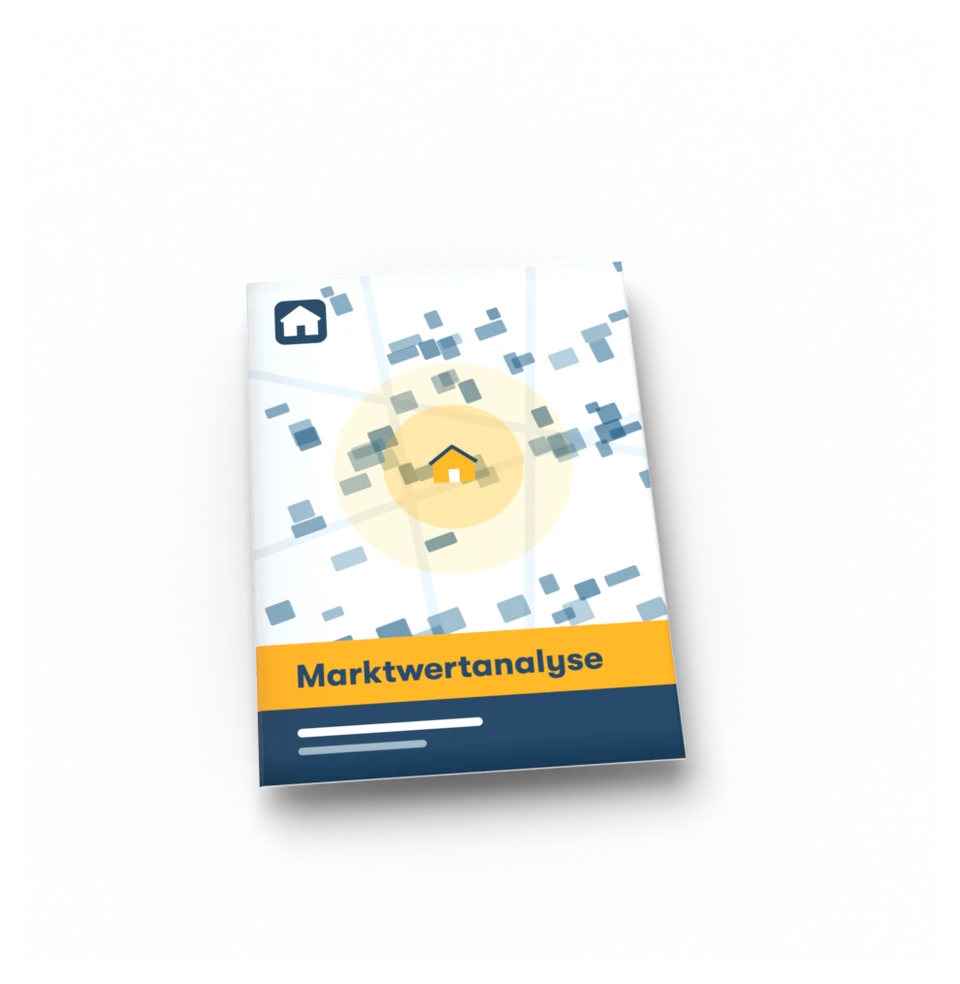
You bring the market value analysis to the appointment: your hybrid estimate, backed by market data and your assessment – in your branding.
A property together with its owner. Leads are created automatically from the Quick valuation on your website or the avendo platform, via the partner API or through referrals from avendo. You can also add leads yourself.
Logins on the platform, requested, viewed or updated valuations, opened market reports and price indices, updated property data and callback requests. The latest signal is shown right next to the lead.
They stay in the pool. As soon as the owner requests something on the platform, such as a callback or a valuation, the lead automatically appears on your to-do list again.
With a bulk email to your contacts that includes the link to the Quick valuation. Anyone who values their property becomes a lead – with the property and signals.
avendo automatically flags contacts as owners as soon as they are assigned to a property in that role. With tags and search profile filters, you put together target audiences for acquisition.
The Lead package. It unlocks the Quick valuation, the leads area and the to-do list; avendo activates it for your account.